 Głębia
Wear OS
You dive. The watch records the rest.
Nothing to switch on underwater.
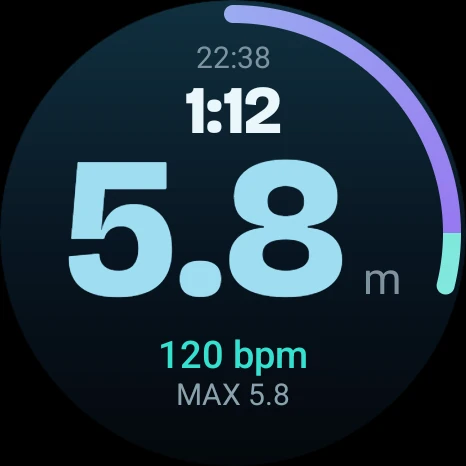
- Starts by itself. Recording begins below 0.5 m, and every dive gets a depth profile with one sample per second.
- Heart rate and SpO₂ for the whole session, underwater too — as a guide, not a medical reading.
- After each dive: a recommended surface interval, one vibration when you’re ready, and a GPS fix for the place.
- No touching underwater. The crown or the side button switches cards.
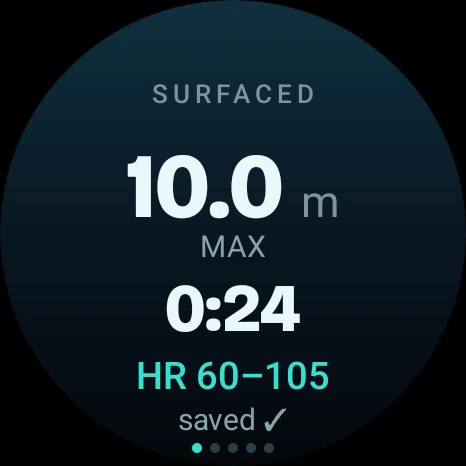
After surfacingDive time and max depth right after the dive. 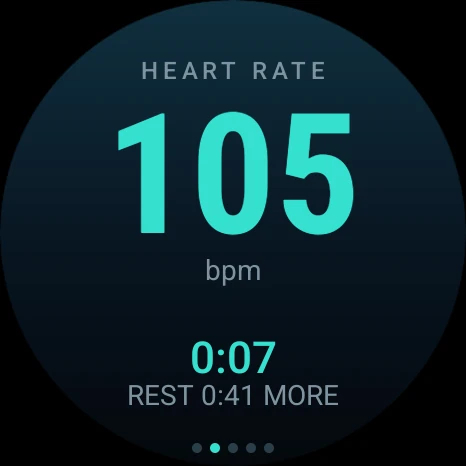
Interval and heart rateRecommended break, heart rate and recovery. 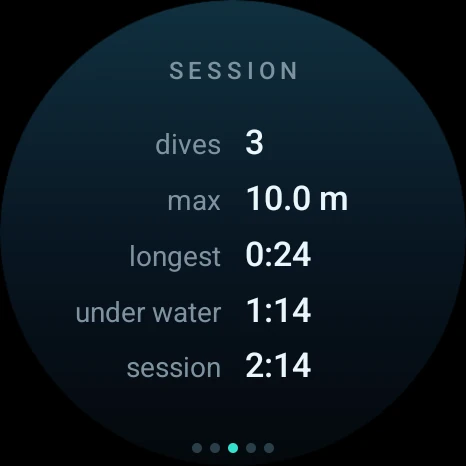
SessionDives, max, longest dive and time in the water.
Requirements
Recording dives needs a Wear OS watch with a barometer. Tested on the OnePlus Watch 3.
Dry training also works on the phone alone.
Barometer depth limit
The watch barometer may saturate beyond a certain depth, depending on the watch model. Deeper than that the app shows “>” with the last reliable value, not the actual depth.
Dive profile
See what really happened on every dive
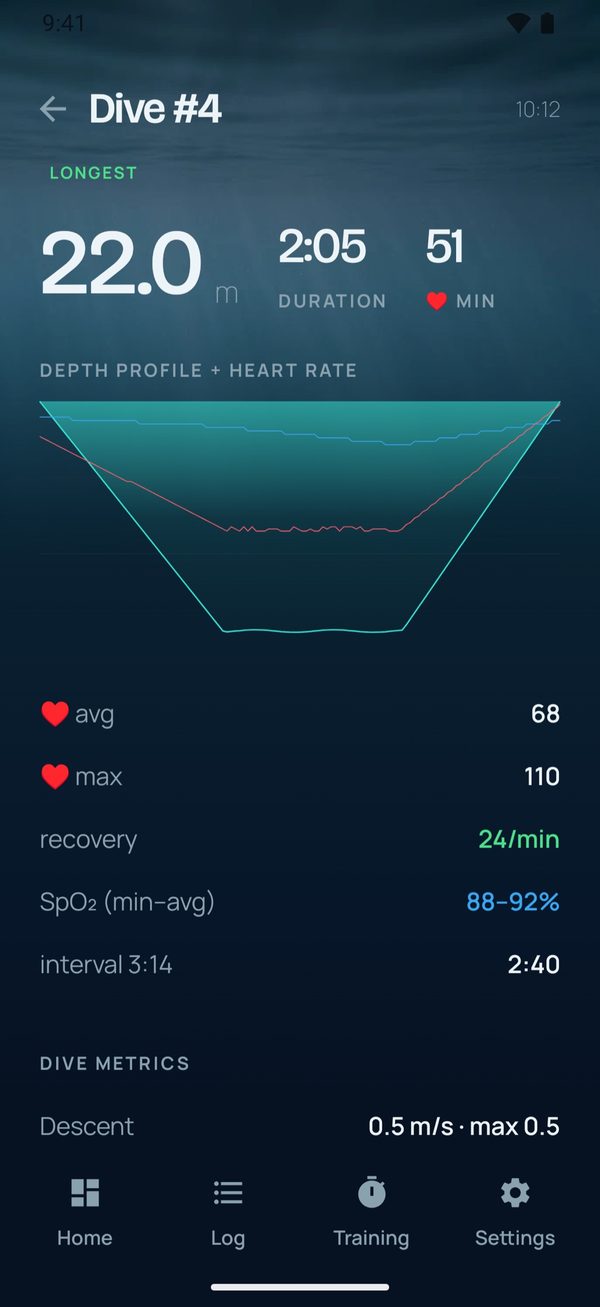
Depth, heart rate and SpO₂ on one chart.
- Depth with heart rate and SpO₂, one sample per second. A dashed line marks where the barometer saturated — numbers from that part show “>”.
- Heart rate min / avg / max and recovery: how much it drops 60 s after surfacing.
- Dive metrics: descent and ascent speed, time at the bottom, profile shape (V or square), heart-rate drop in %.
- Swipe sideways to the next dive of the session.
Sessions
Every trip to the water becomes one session
With its place, its rhythm and your records.
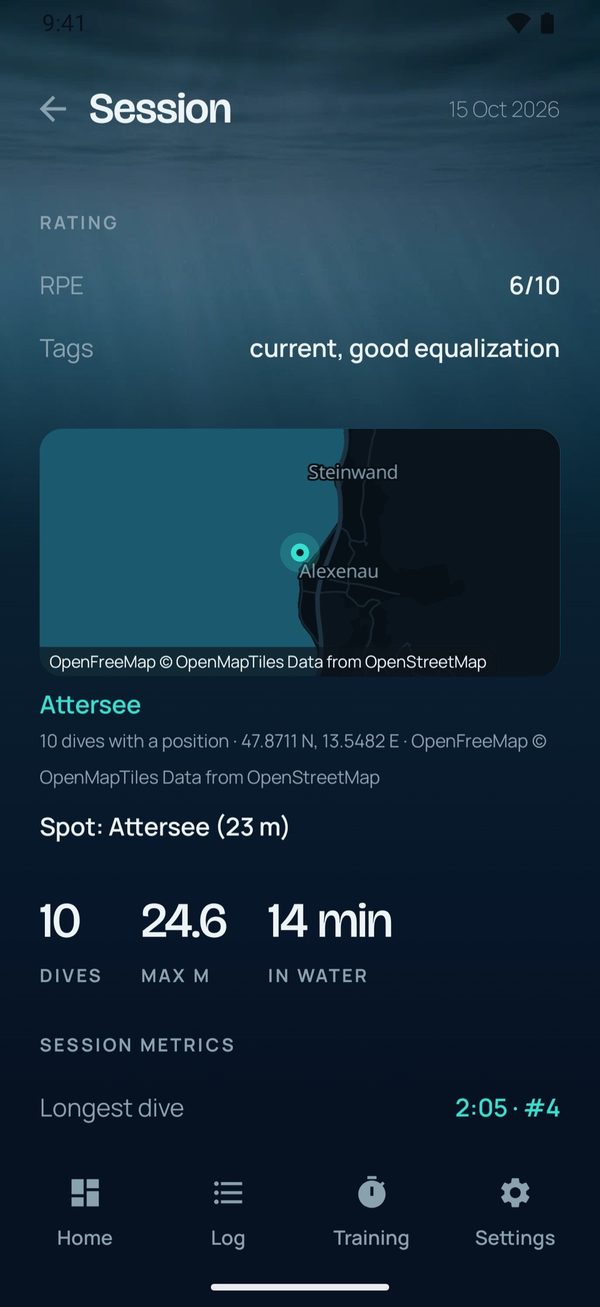
- One trip, one session: dives with their surface intervals. Two trips on the same day at the same place stay one session.
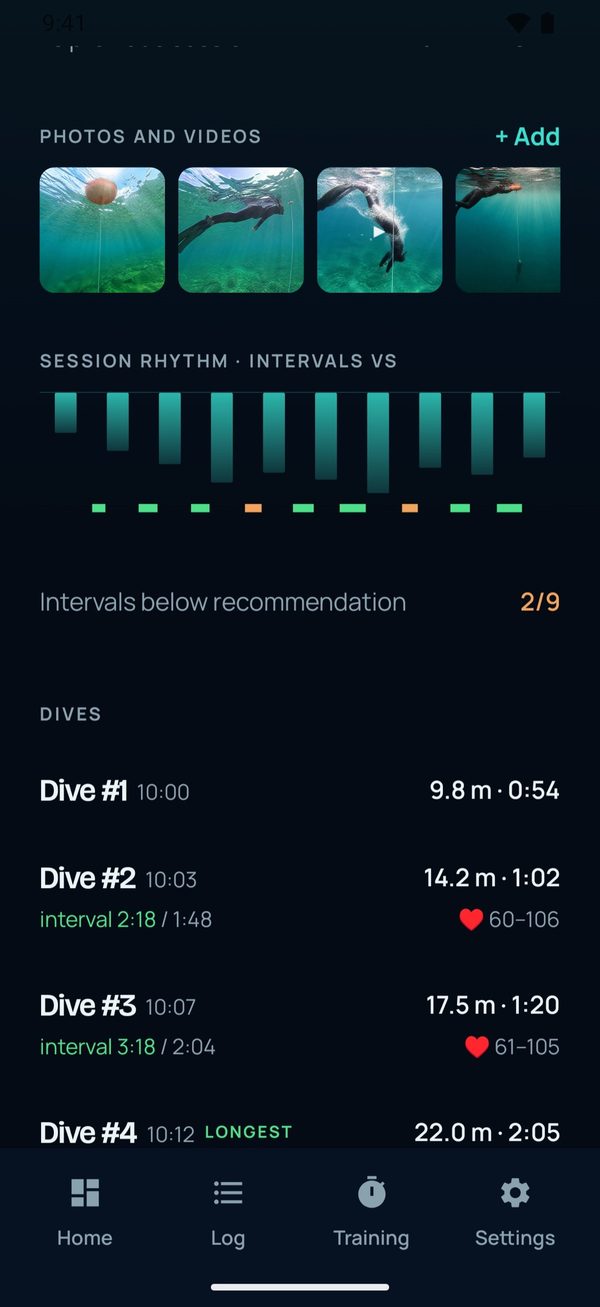
- Session rhythm: dives and intervals coloured against the recommended break, so short breaks stand out.
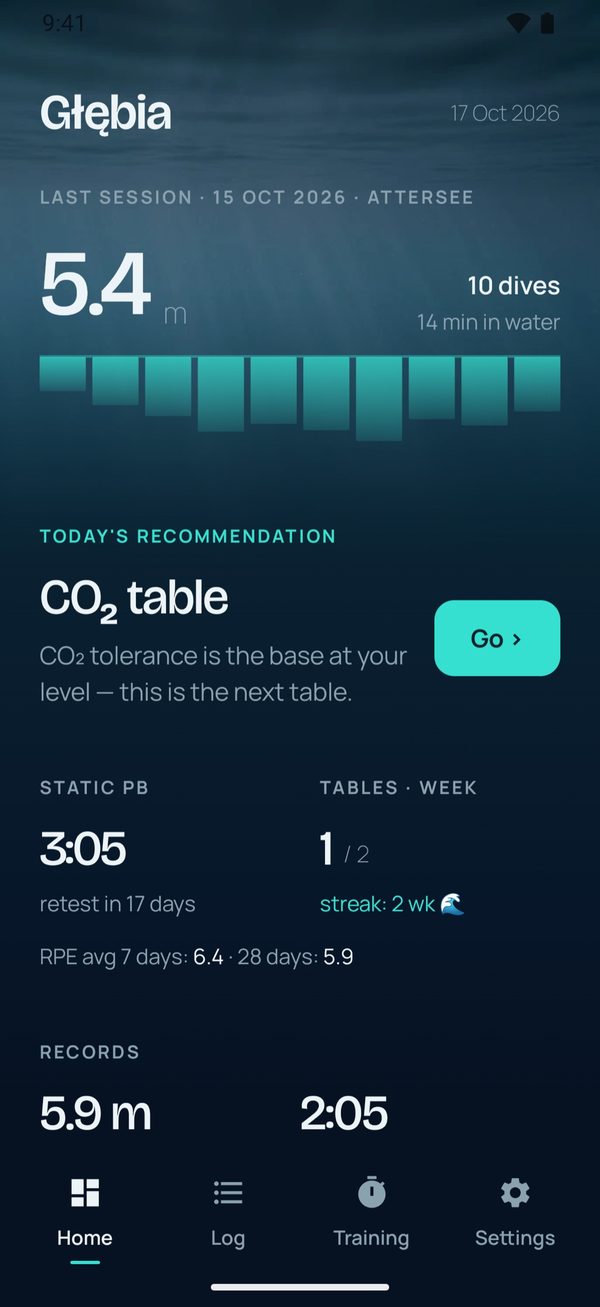
- The place from GPS, named after the matching spot. Records and your depth trend are on the Home screen.
- Rate the session (RPE 1–10) with tags for the conditions.
Photos and videos
Your photos and videos find their dives
Linked automatically — to the session and to each dive.
- By capture time, not by when the file was added — camera clips copied hours later still land on the right dive.
- Dive or session: what you filmed during a dive goes to that dive; photos from the boat before and after go to the session.
- Camera clock off by an hour? Głębia detects the shift. Screenshots are never linked.
- Only a link, no copies. Add more with “+ Add” and play videos right in the app.
Map
Find a spot, then find your way back to it
Spot catalogue: Austria to start.
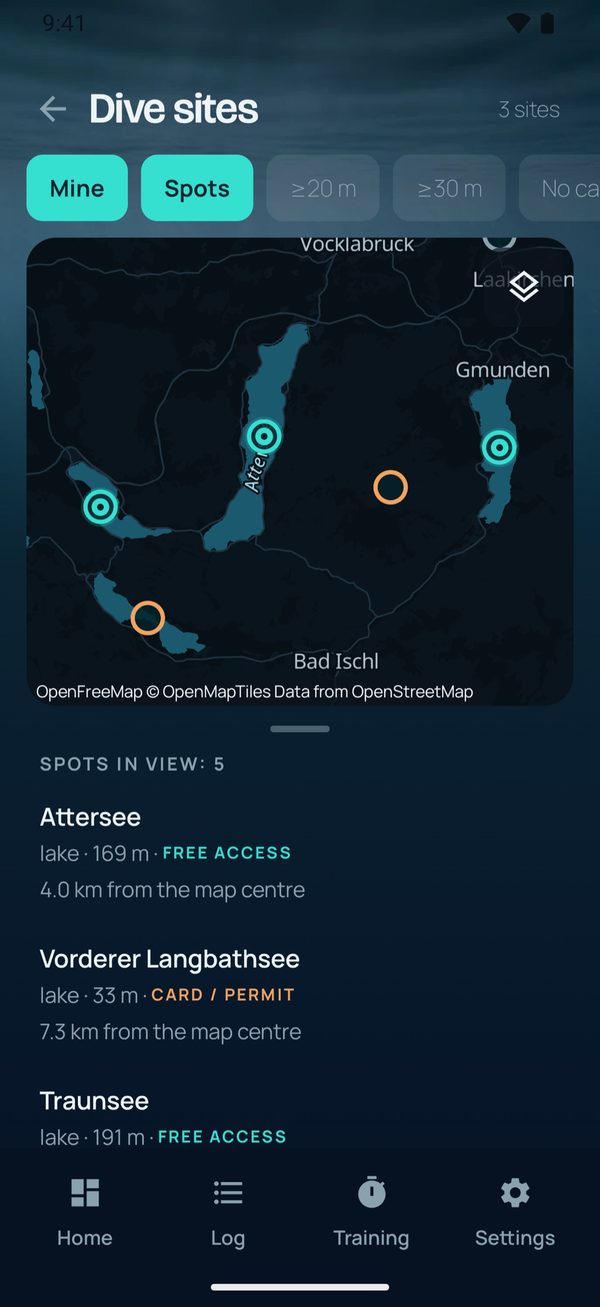
- A vector map in Głębia’s style (OpenFreeMap), with OSM and satellite layers. Next update
- Your sessions as pins next to the spot catalogue: 41 lakes and reservoirs in Austria with access status, depth, water type, entries and 218 underwater objects.
- “Download area”: the map and pins work offline, even in airplane mode. Add your own spots too.
- Spot card on the watch: distance and direction to an object. Navigate only with a buddy. Next update
Dry training
Know what to train today — and when to stop
On your phone, with the phases on your watch.
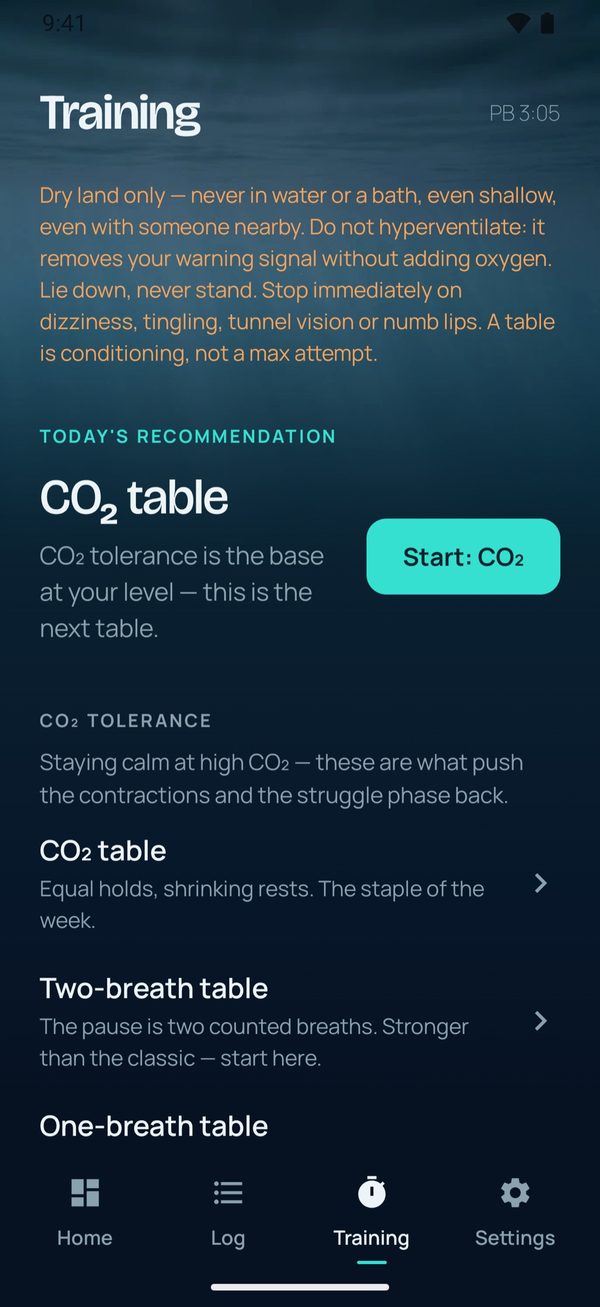
- Today’s recommendation with a reason, from what you have actually logged: rest, a CO₂ table, apnea walk or O₂.
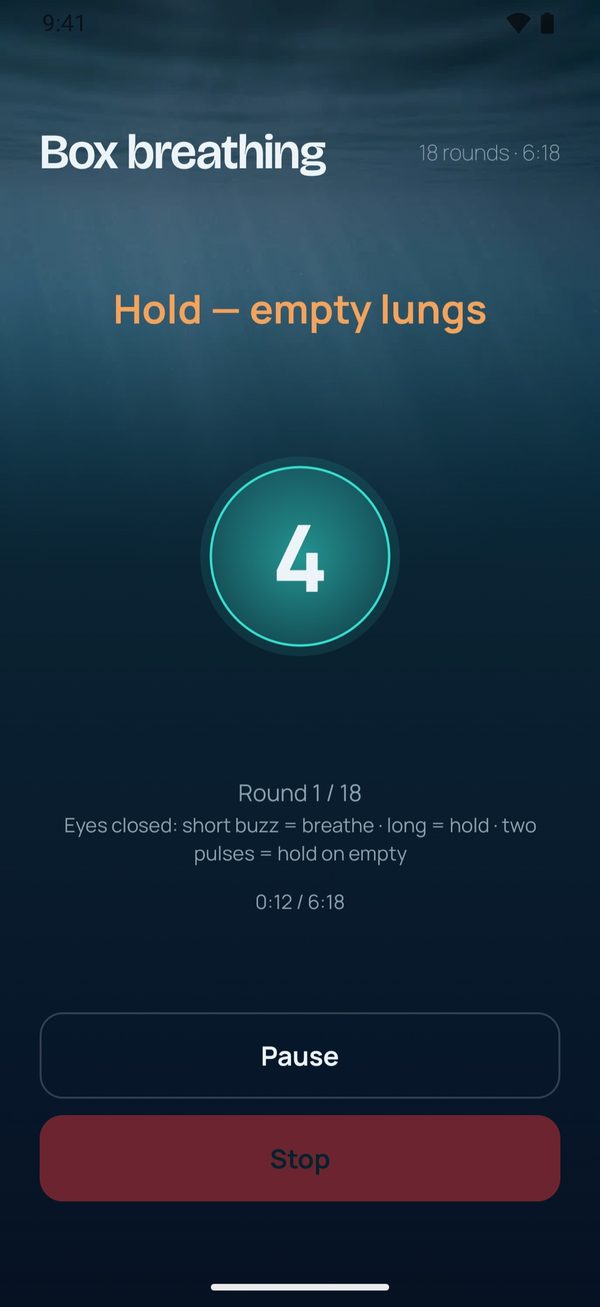
- CO₂ and O₂ tables from your static PB, with a weekly limit built in. Also apnea walk, max attempt, box, 4-7-8 and reduced breathing, breathe-up.
- Equalization on dry land: Frenzel and mouthfill, step by step.
- Voice and vibration cues, phases and heart rate on the watch, and a weekly 🌊 streak.
Dry only — never in water or in a bathtub.
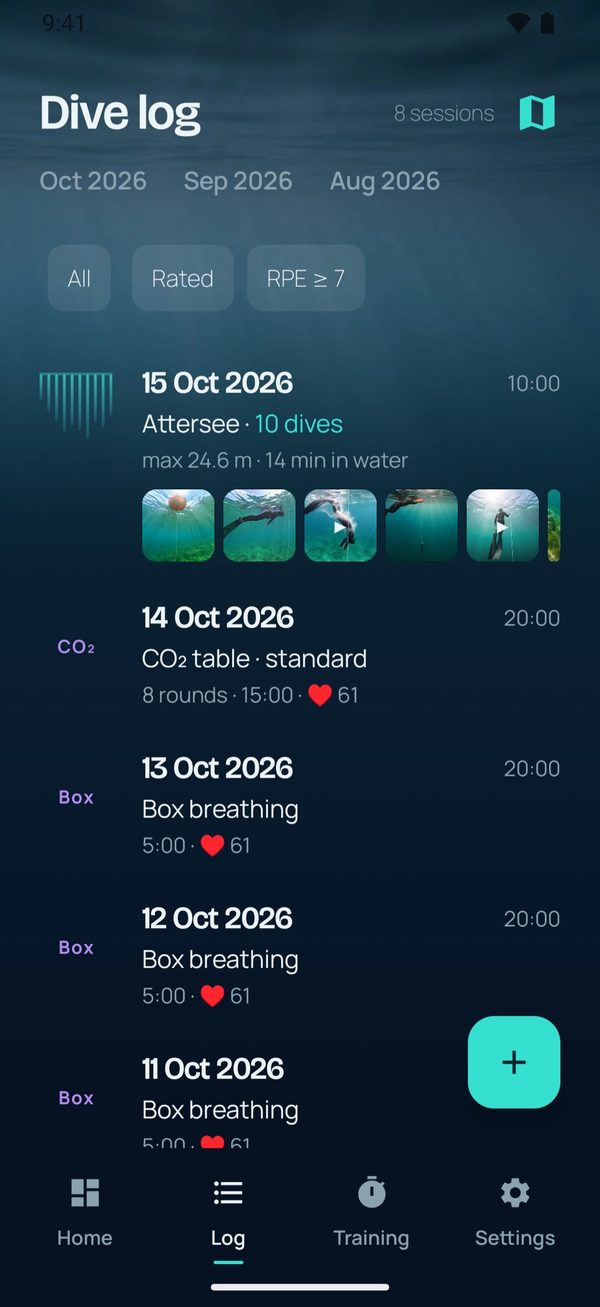
Log
Water and dry training in one log
And your data stays under your control.
- One timeline of watch sessions and dry training, with month chips and filters by place and type.
- Manual entry for a session without the watch, marked as manual.
- Backup to a zip file and CSV export — whenever you want.
- 12 languages: Polish, English, German, French, Italian, Russian, Ukrainian, Spanish, Portuguese (Brazil), Chinese (Simplified), Japanese, Korean.
Privacy
Your dives stay on your devices
Your dives, training and health data stay on your phone and watch.
Backup to a file and CSV export — whenever you want.
Read the Privacy Policy →- No accounts
- No ads
- No analytics
Important
Before you dive
⚠️ Głębia is not a dive computer or a medical device. Never dive alone — only with a trained buddy. The watch barometer may saturate beyond a certain depth (model-dependent, e.g. about 6–7 m) — deeper than that the app does not know your actual depth. Heart rate and SpO₂ underwater are indicative. Breath-hold tables are for dry training only. Beta version.
Why I built Głębia
I built Głębia for myself and my daughter Alisa, and now I’m sharing it with the world, because I’m sure someone else will find it useful too. I freedive in lakes and in the sea, and between trips I train on dry land — that’s why it brings together dives from a Wear OS watch, CO₂ and O₂ tables and a map of spots in one place. No ads, no premium accounts, no data collection.
— Alexey, freediver, creator of Głębia